
Drawing & Writing Pad1.4 - Get APK
You'll be able to download in few seconds.
Publisher Description
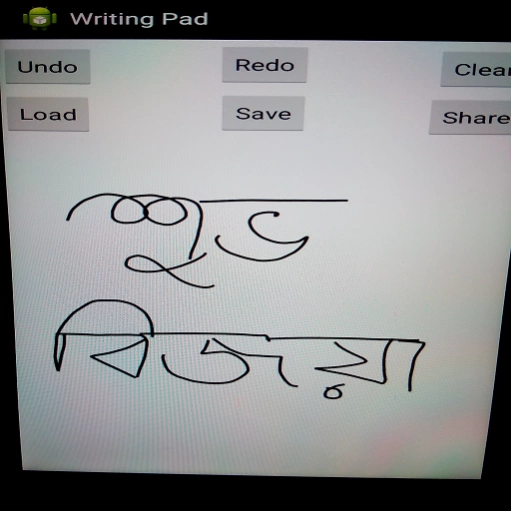
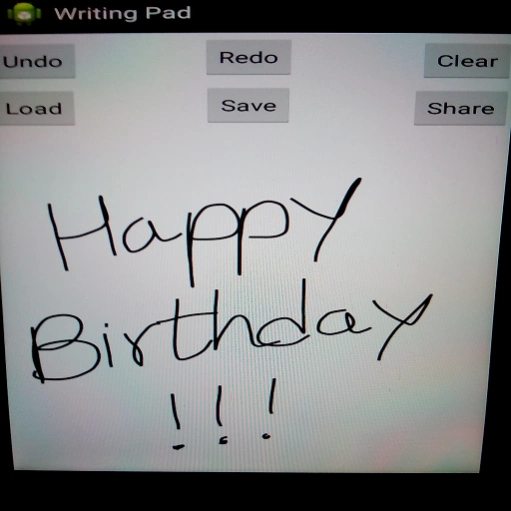
This app enables user to write and draw free hand on a white board and save it.
BLESSINGS OF COMPUTER TECHNOLOGY !!!
Free hand drawing and writing pad with camera interface
User can save his/her work and load previously saved work.
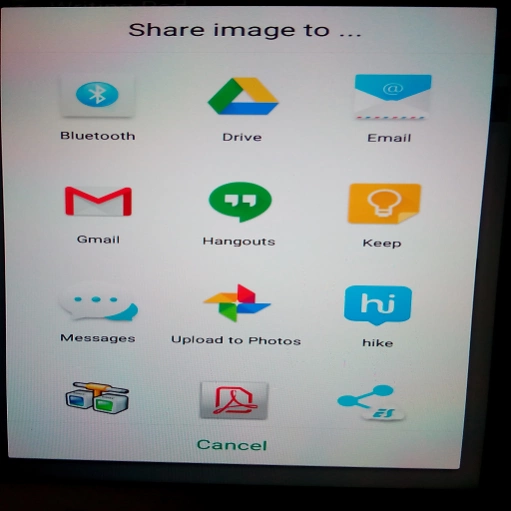
User can also share his/her wring/drawing through various apps like Gmail, WhatsApp, Facebook , Bluetooth, FTP, Xender, Wi-FI etc.
User can share his / her drawings / writings or pictures taken by camera (after modifying if required) directly from this app.
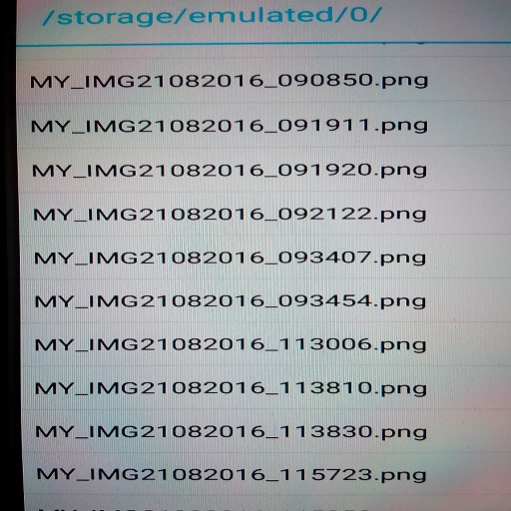
Saved drawings / writings / pictures taken by camera are stored in MY_IMAGE_RECORDER folder of phone storage in .png file format (as image).
Users can convey personal touch with this app ( through hand written messages and hand drawn pictures).
*** Multiple colors and brush sizes are supported now in the same drawing.
Options have been added:
Change Brush Size, Change Text Color, Change BkGnd Color and Default Settings.
Change BkGnd Color changes the background colour and Default Settings changes the background colour white, default brush size and black text colour.
To chnge the default settings users MUST press the CLEAR button first for the change of size or colour to take place.
This app is also useful for kids as a free hand drawing and writing tool/game.
Limitations :
***Currently user can load only png (Portable Network Graphics) file format with this app.
Color png file can be loaded and saved / shared after modification.
This app also has undo and redo operation facility.
It can be used for hand written birthday wishes and sending hand drawn pictures to someone.
*** Now you can load picture taken from camera directly into this app through "Take Snapshot" option menu. Already written text or drawing are overlaid on the picture captured by camera. If you want to disable it clear the canvas before taking snapshot.
Play with the app and enjoy it.
This app is ABSOLUTELY FREE and it has NO ADS or IN APP PURCHASES.
In case of any bug please let me know through email.
About Drawing & Writing Pad
The company that develops Drawing & Writing Pad is AMITAVA CHAKRAVARTY (AC). The latest version released by its developer is 1.4.
To install Drawing & Writing Pad on your Android device, just click the green Continue To App button above to start the installation process. The app is listed on our website since 2016-10-04 and was downloaded 0 times. We have already checked if the download link is safe, however for your own protection we recommend that you scan the downloaded app with your antivirus. Your antivirus may detect the Drawing & Writing Pad as malware as malware if the download link to ara.adrija.simgame1 is broken.
How to install Drawing & Writing Pad on your Android device:
- Click on the Continue To App button on our website. This will redirect you to Google Play.
- Once the Drawing & Writing Pad is shown in the Google Play listing of your Android device, you can start its download and installation. Tap on the Install button located below the search bar and to the right of the app icon.
- A pop-up window with the permissions required by Drawing & Writing Pad will be shown. Click on Accept to continue the process.
- Drawing & Writing Pad will be downloaded onto your device, displaying a progress. Once the download completes, the installation will start and you'll get a notification after the installation is finished.
Program Details
System requirements
Download information
Pricing
Version History
version 1.4
posted on 2016-10-04
Background colour, brush size and text colour can be changed.
Colour can be added after saving the text / drawing in one colour and again loading the saved image to edit it to add more colours.
Camera feature added. Take Snapshot through options menu and load it in the canvas.
*** Multiple colors and brush sizes are supported now in the same drawing.
version 1.3
posted on 2016-09-25
Background colour, brush size and text colour can be changed.,Colour can be added after saving the text / drawing in one colour and again loading the saved image to edit it to add more colours.,Camera feature added. Take Snapshot through options menu and load it in the canvas.
Disclaimer
External Download
We do not host Drawing & Writing Pad on our servers. We did not scan it for viruses, adware, spyware or other type of malware. This app is hosted by Galad and passed their terms and conditions to be listed there. We recommend caution when installing it.
The APK Download link for Drawing & Writing Pad is provided to you by apps112.com without any warranties, representations or guarantees of any kind, so access it at your own risk.
If you have questions regarding this particular app contact the publisher directly. For questions about the functionalities of apps112.com contact us.
